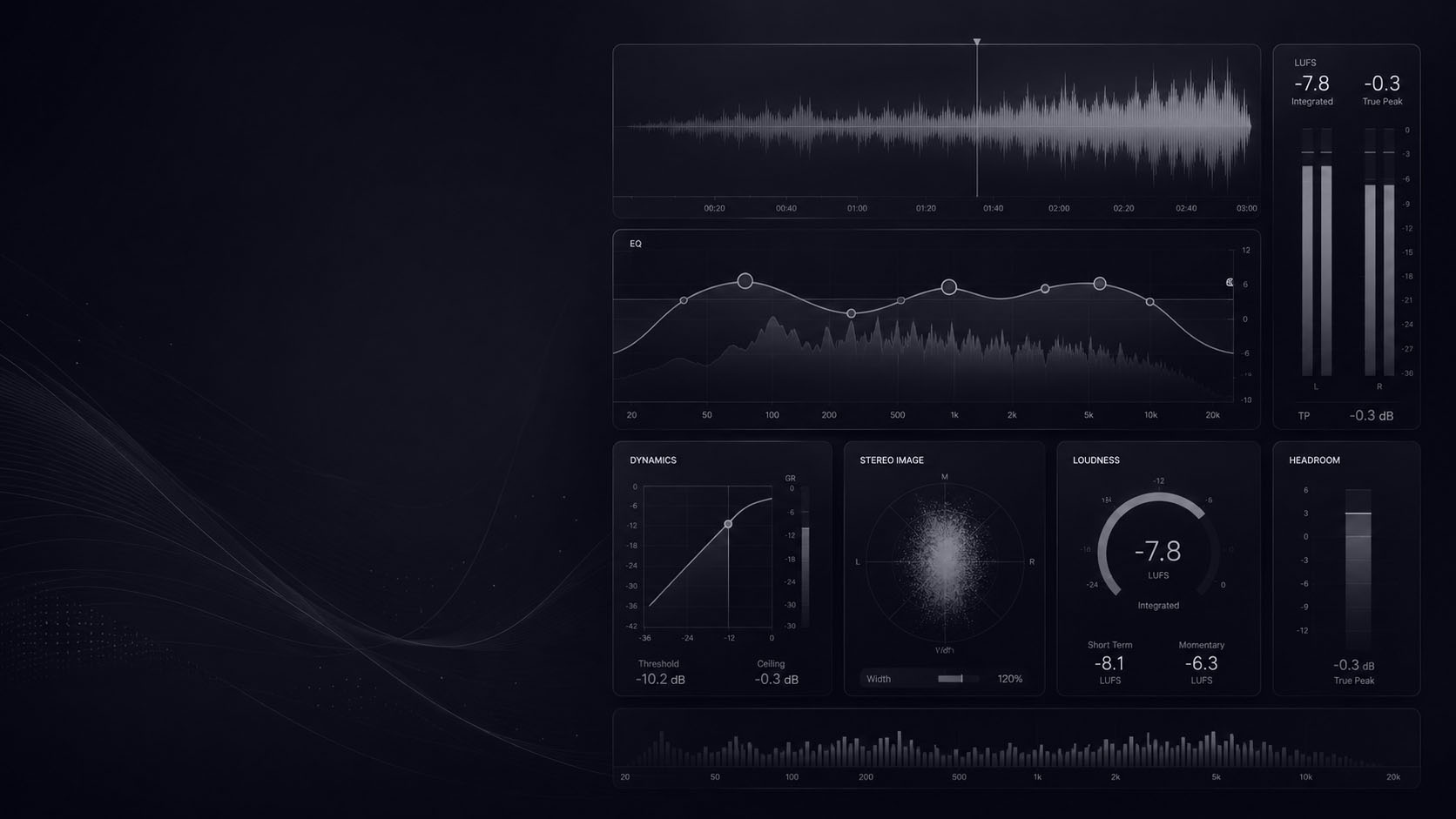
Audio Mastering Guide: Loudness, EQ, Limiting, LUFS and Presets

Learn audio mastering with practical guides for loudness, EQ, compression, limiting, LUFS, headroom, soft clipping, AI mastering and ready-made mastering presets. This hub brings together the most useful Song Mix Master resources to help you create cleaner, louder and more controlled final masters.

Start With Mastering Presets View Mastering Tutorials

Ready-Made Preset Packs

Mastering presets are not a replacement for learning audio mastering, but they give you faster starting points for EQ, compression, limiting, saturation, loudness control and final polish. Use these preset packs to move faster, then adjust every setting to fit your mix, genre and loudness target.

-20%
Original price was: $19.99.Current price is: $15.99.
-20%
Original price was: $24.99.Current price is: $19.99.
-20%
Original price was: $24.99.Current price is: $19.99.
-90%
Original price was: $19.99.Current price is: $1.99.

Mastering Tutorials

Learn Audio Mastering Step by Step

These mastering tutorials help you understand the most important decisions behind a professional master: headroom, loudness, EQ, compression, clipping, limiting, LUFS, final export and streaming translation.

Audio Mastering Workflow

What Is Audio Mastering?

Audio mastering is the final stage of music production. It prepares a mixed song for release by improving tonal balance, controlling dynamics, setting loudness, checking translation and making sure the final master sounds consistent across different playback systems.

A strong master should not destroy the mix. It should bring out clarity, punch, depth and loudness while protecting the musical balance that already exists in the song.

Prepare the Mix First

A better master starts with a clean mix. Before mastering, check headroom, clipping, low-end balance, harshness, stereo width and export settings.

Control Loudness and Dynamics

Mastering loudness depends on gain staging, compression, limiting, clipping, crest factor and how the mix reacts when pushed.

Shape the Final Tone

EQ, compression, saturation and limiting should work together to improve the master without making it harsh, flat or over-processed.

LUFS and Streaming Loudness

Use these guides to understand LUFS, loudness normalization and why chasing one universal number can create worse masters.

Mastering Chain Example

EQ, Compression, Limiting and Soft Clipping

An audio mastering chain should solve real problems. EQ can correct tonal balance, compression can control movement, saturation can add density, clipping can shape peaks and limiting can set the final loudness ceiling.

EQ Mastering

Use EQ to fix broad tonal balance, reduce harshness and shape the final master without over-correcting the mix.

Read EQ Guide

Compression

Use compression carefully to control movement, add glue and shape dynamics without flattening the song.

Read Guide

Soft Clipping

Use soft clipping to control peaks and increase loudness before the limiter when the mix can handle it.

Read Guide

Limiting

Use limiting to control final loudness and true peak level without destroying punch, depth or transients.

Read Limiting Tips

Useful Tools for Audio Mastering

Use these free tools to check levels, organize sessions, calculate ambience decisions and prepare cleaner mixes before mastering.

Gain Staging Calculator

Set cleaner levels and protect headroom before compression, limiting and final mastering.

Use Gain Staging Tool

Studio Sheet Generator

Create session notes, recall sheets, export details and organized mastering documentation.

Use Studio Sheet Tool

Reverb & Delay Calculator

Calculate tempo-based timing values when preparing mix effects before the mastering phase.

Use Reverb & Delay Tool

Frequently Asked Questions

Audio Mastering Questions

Audio mastering is the final stage of music production where a finished mix is balanced, controlled, prepared for release and optimized for playback across different systems. It usually includes EQ, compression, saturation, limiting, loudness control and final quality checks.

To master a song, start with a clean mix, check headroom, apply broad EQ if needed, control dynamics, add subtle saturation or clipping when useful, set final loudness with a limiter and compare the result against reference tracks.

Mixing balances the individual tracks inside a song. Mastering works on the final mix or stereo file and prepares it for release. Mixing shapes the song internally, while mastering improves final translation, loudness and consistency.

There is no single perfect LUFS target for every song. Streaming platforms may normalize playback, but the best loudness depends on genre, dynamics, arrangement, distortion tolerance and how the track compares to similar releases.

Headroom is the space between the loudest peak in your mix and digital clipping. Clean headroom helps the mastering chain process the mix without unwanted distortion or limiter overload.

An audio mastering chain is the order of processors used during mastering. A common chain may include EQ, compression, saturation, clipping, stereo control, metering and limiting, but the exact order depends on the mix.

Mastering presets can be useful starting points, especially for learning chain structure and moving faster. You should still adjust every preset to fit the mix, genre, loudness target and final release format.

AI mastering can create quick demo masters, but it may not solve mix-specific problems or make creative mastering decisions with the same control as a trained engineer. Use AI mastering as a starting point, not as the final authority.

Yes. You can master songs in FL Studio using EQ, compression, saturation, clipping, limiting, metering and reference tracks. The key is to start with a clean mix and avoid over-processing.

Use online music mastering or a professional mastering service when you want an outside final decision. Master the song yourself when you want full control, learning experience and repeatable workflow inside your DAW.