Vocal Mixing Tutorials, EQ, Compression, Effects, Mixing Chains and Presets

Learn vocal mixing with practical tutorials, vocal chains, EQ and compression guides, effects tips and ready-made presets. This hub brings together the most useful Song Mix Master resources to help you mix vocals, produce cleaner voices and build a more professional vocal workflow in any DAW.

Start With Vocal Presets View Vocal Mixing Tutorials

Ready-Made Vocal MIXING Chains

Vocal presets are not a replacement for learning how to mix, but they give you faster starting points for EQ, compression, saturation, de-essing, delay, reverb and vocal polish. Use these products to move faster, then adjust every setting to fit the singer, microphone and song.

-20%
Original price was: $19.99.Current price is: $15.99.
-20%
Original price was: $24.99.Current price is: $19.99.
-20%
Original price was: $24.99.Current price is: $19.99.
-20%
Original price was: $24.99.Current price is: $19.99.

Learn Vocal Mixing Step by Step

Vocal Mixing Tutorials

These vocal mixing tutorials help you understand the most important decisions behind professional vocals: recording quality, cleanup, EQ, compression, de-essing, effects, automation and final placement in the mix.

EQ, Compression, Vocal Chains and Workflow

Professional vocal mixing is not one plugin or one preset. It is a workflow that connects recording quality, cleanup, EQ, compression, level control, ambience and effects. Use these grouped resources to find the right guide for the problem you want to solve.

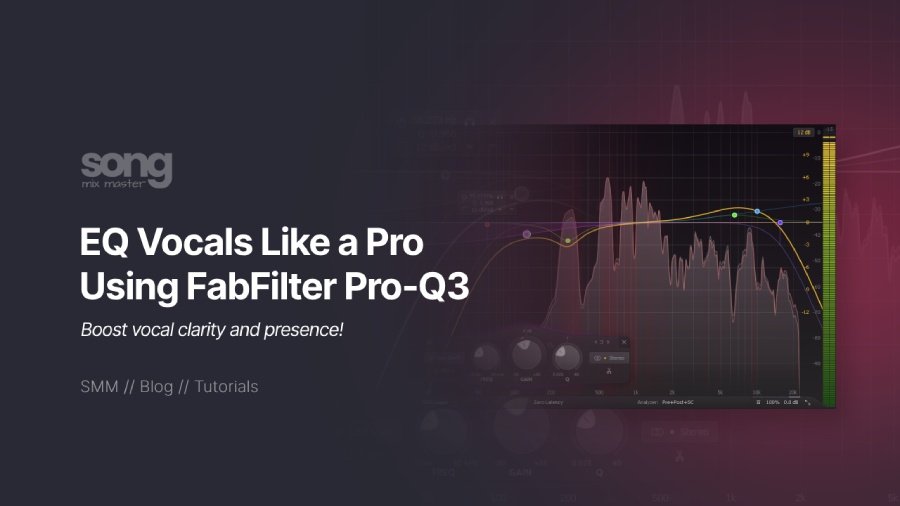
Vocal Mixing Articles

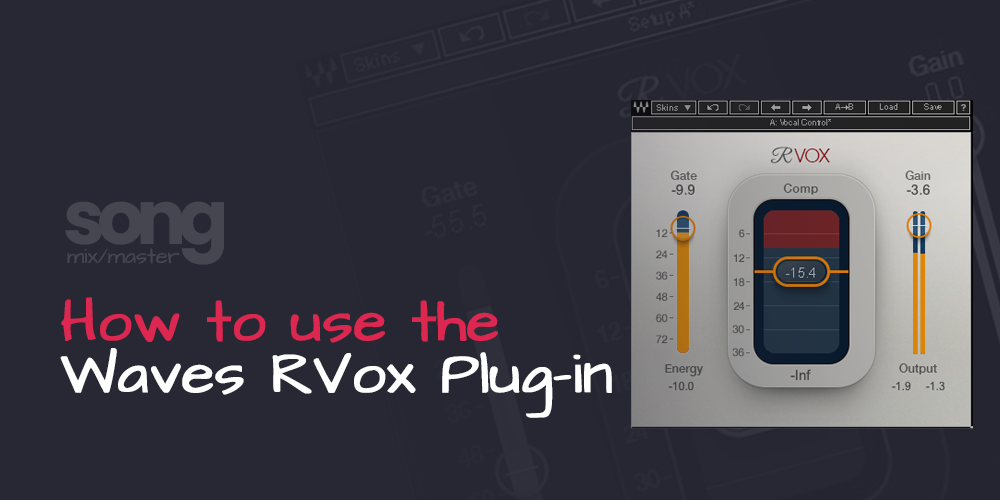
Vocal Compression and Level Control

Use these resources when your vocal feels unstable, too dynamic, buried, over-compressed or disconnected from the beat.

Vocal Chains and Presets

Use these pages when you want faster starting chains for vocal clarity, presence, compression, EQ, effects and polish.

Recording, Producing and Mixing Vocals

Better vocal mixes start before the mix. Use these guides to improve recording quality, vocal performance, mic choice and vocal preparation.

Pitch Correction and Tuning

Control pitch correction without making the vocal feel disconnected from the performance.

Vocal Reverb and Delay

Create space and depth without pushing the vocal too far behind the beat.

How to Mix Vocals With a Better Workflow

Vocal Mixing Workflow

To mix vocals well, start with a clean recording, organize your vocal tracks, remove technical problems, control dynamics and shape the tone before adding creative effects. A strong vocal mix usually depends on balance, EQ, compression, de-essing, saturation, reverb, delay and automation working together.

If you want to mix voices for music, podcasts, rap vocals or sung performances, use this page as a starting hub. Begin with vocal cleanup and EQ, then move into compression, level control, vocal chains and effects.

Clean the Vocal First

Start by removing noise, unwanted low end, harsh resonances and timing problems before you start adding heavy processing.

Control the Dynamics

Use compression and level control to keep the vocal stable, upfront and connected to the beat without killing the performance.

Add Space and Effects

Use reverb, delay, widening and creative effects to support the vocal without pushing it too far behind the instrumental.

Useful Tools for Vocal Mixing

Our Free Online Tools

Use these free tools to calculate vocal ambience, organize your session and keep your levels clean before mixing or mastering.

Reverb & Delay Calculator

Calculate reverb decay, pre-delay and tempo-based timing values for vocal effects.

Use Reverb & Delay Tool

Gain Staging Calculator

Set cleaner vocal recording and mix levels before compression, effects and mastering.

Use Gain Staging Tool

Studio Sheet Generator

Create clean vocal session notes, track details, recall sheets and project documentation.

Use Studio Sheet Tool

Frequently Asked Questions

Vocal Mixing Questions

Vocal mixing is the process of balancing, cleaning and processing a recorded vocal so it fits the song. It usually includes editing, gain staging, EQ, compression, de-essing, saturation, reverb, delay, automation and final level control.

To mix vocals, start with clean gain staging and editing, then use EQ to remove problems, compression to control dynamics, de-essing to reduce harsh sibilance, and reverb or delay to create space. After that, use automation to keep the vocal consistent through the song.

A common vocal mixing chain starts with cleanup and gain staging, then EQ, compression, de-essing, saturation, tone shaping, delay, reverb and automation. The exact chain depends on the singer, microphone, recording quality and genre.

In many cases, use corrective EQ before compression if you need to remove mud, harshness or rumble. Then use compression to control dynamics. You can also add a second EQ after compression for tone shaping.

Start with a clean recording, remove unnecessary low end, control harsh frequencies, compress the vocal evenly, reduce sibilance and use reverb or delay carefully. Clarity usually comes from balance, not from one plugin.

Use enough compression to control the vocal without making it sound lifeless. Many modern vocals use more than one compressor working gently instead of one compressor doing all the gain reduction.

Vocal presets can work well as starting points, especially for EQ, compression, effects and routing. You should still adjust every preset to match the singer, microphone, recording level and song arrangement.

You can use online vocal mixer tools for quick demos, but serious vocal mixing usually needs detailed control over EQ, compression, de-essing, effects, automation and gain staging. Presets can help you start faster, but you should still adjust the chain to fit the vocal.

AI vocal mixing tools can create quick starting points, but they usually cannot replace detailed listening, vocal editing, EQ, compression, de-essing, effects and automation. Use AI tools as assistants, not final decision makers.

Rap vocals usually need clear editing, controlled low mids, strong presence, tight compression, de-essing and carefully timed delay or reverb. The vocal should stay upfront while still feeling connected to the beat.

Yes. You can mix vocals with stock plugins if your DAW includes EQ, compression, de-essing or dynamic control, reverb, delay and automation. Third-party plugins can help, but good decisions matter more than the plugin brand.

The most common vocal effects are reverb, delay, saturation, pitch correction, widening, chorus and special effects such as telephone vocals. Use effects to support the song, not to hide the performance.